










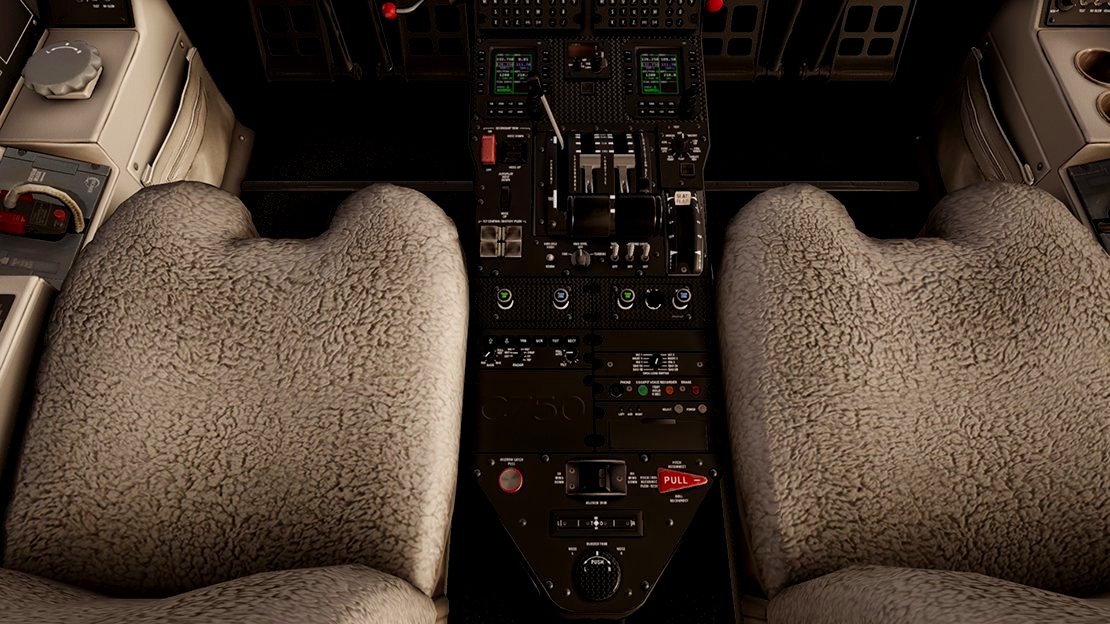
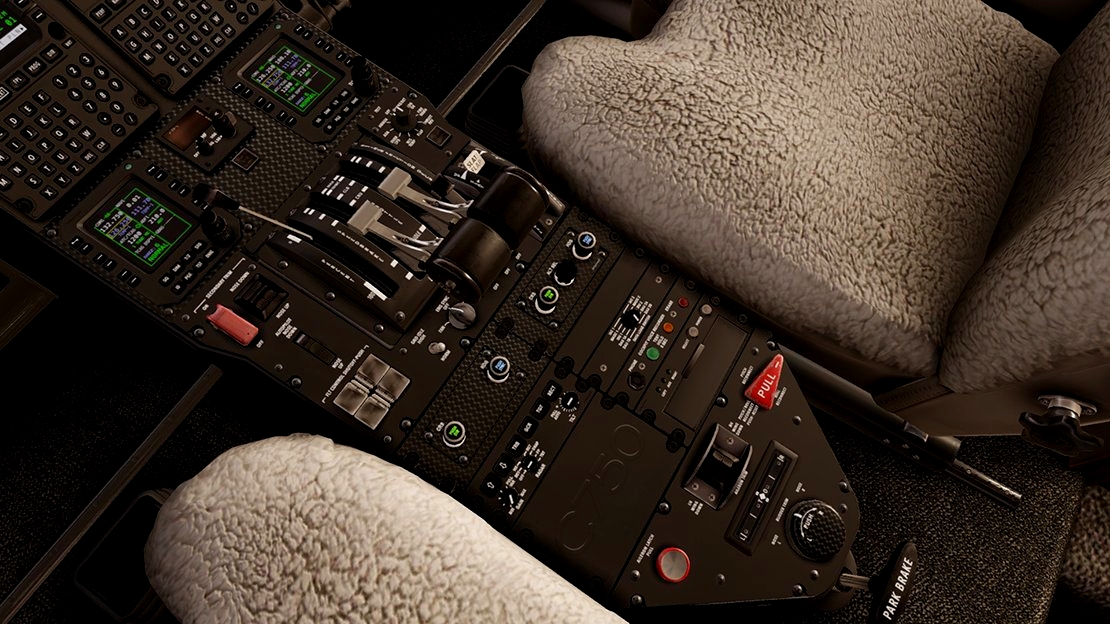
 |
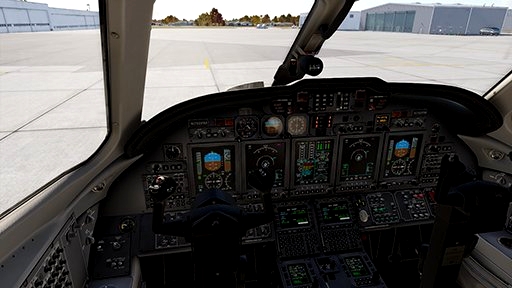
| Cockpit colors for Citation X Livery 'Parts 1 - 6' can be found here.
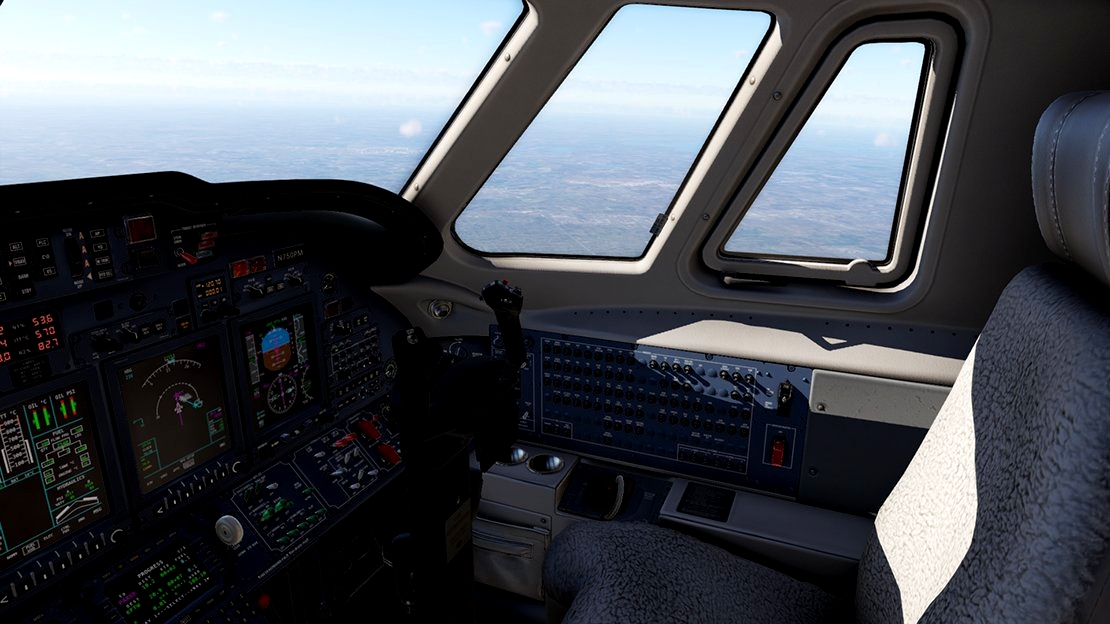
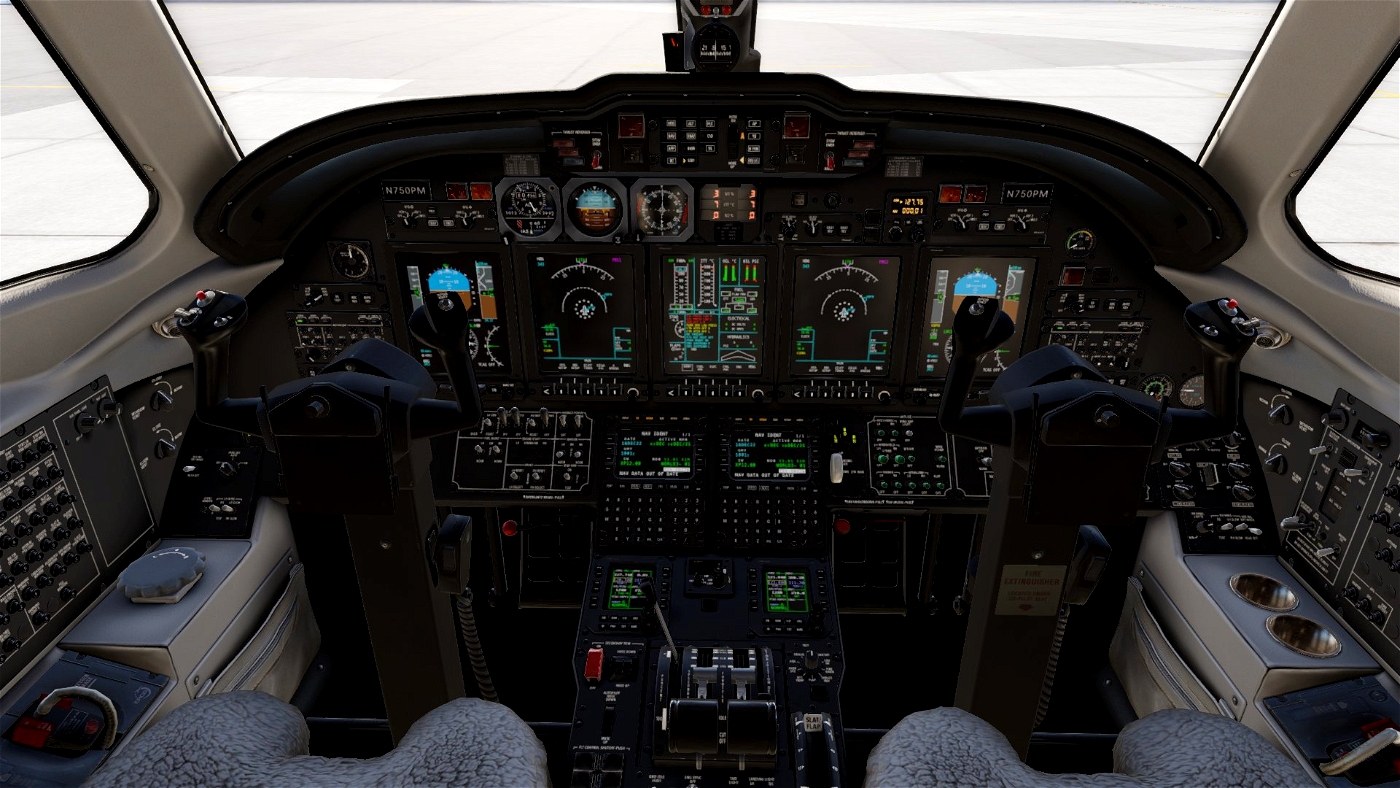
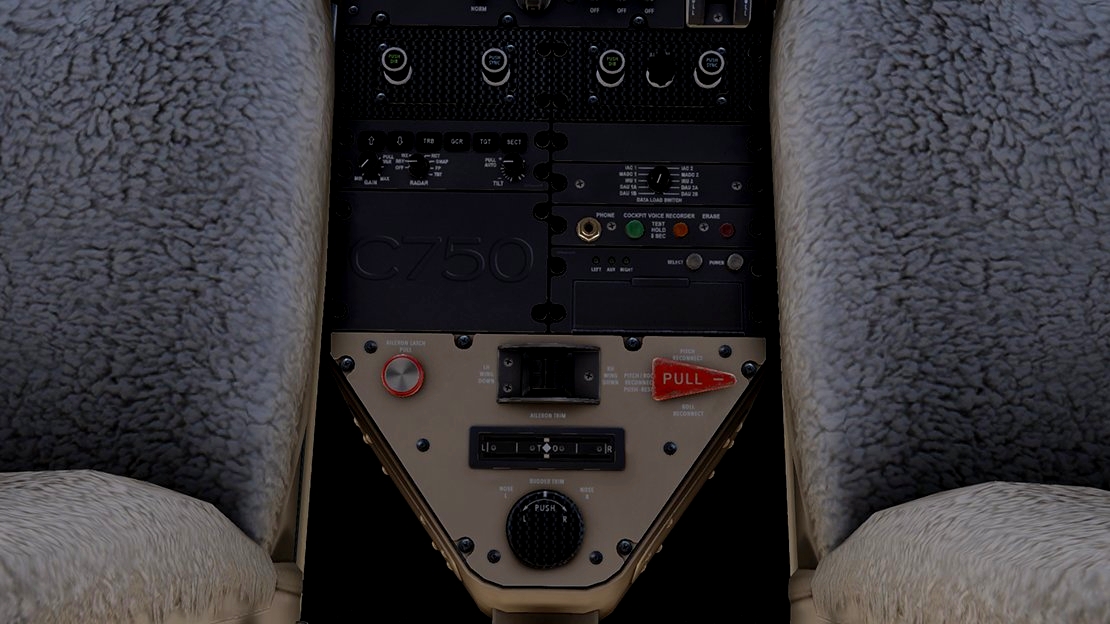
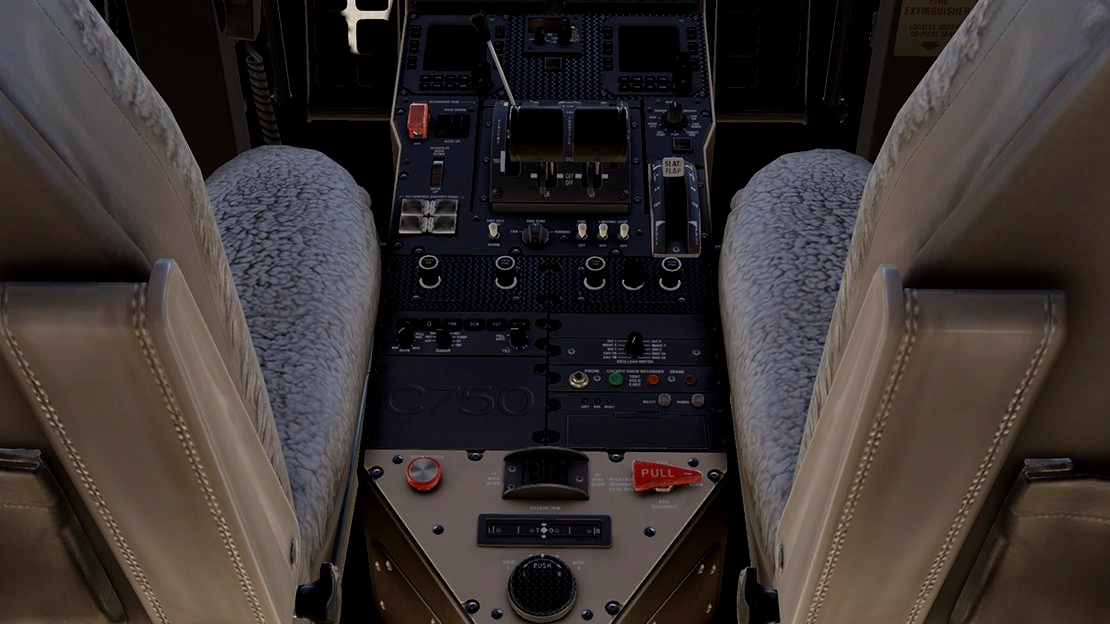
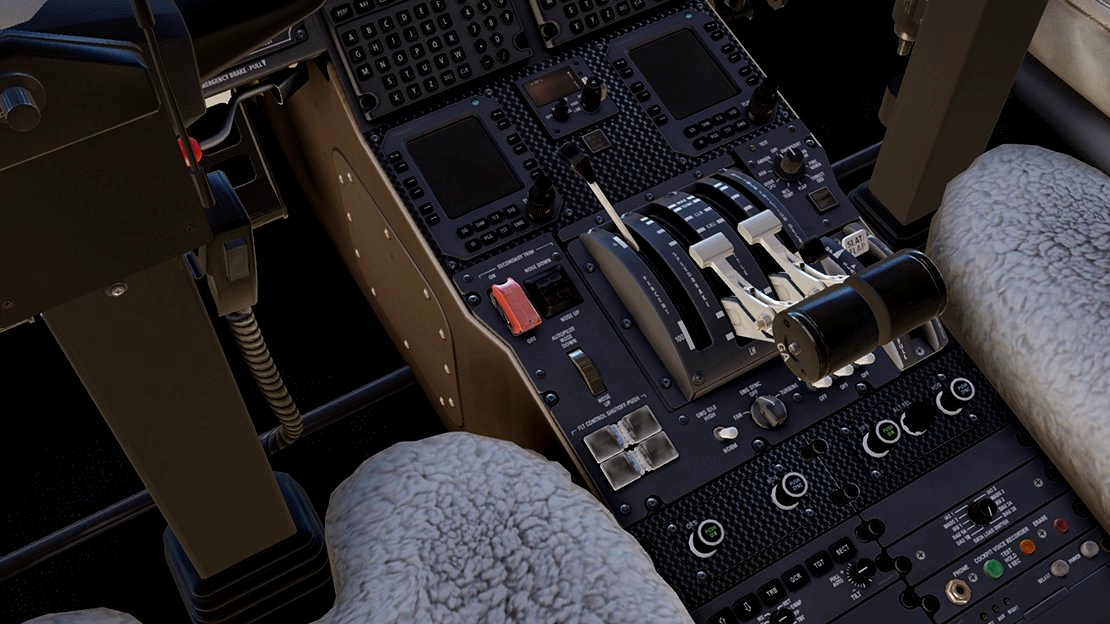
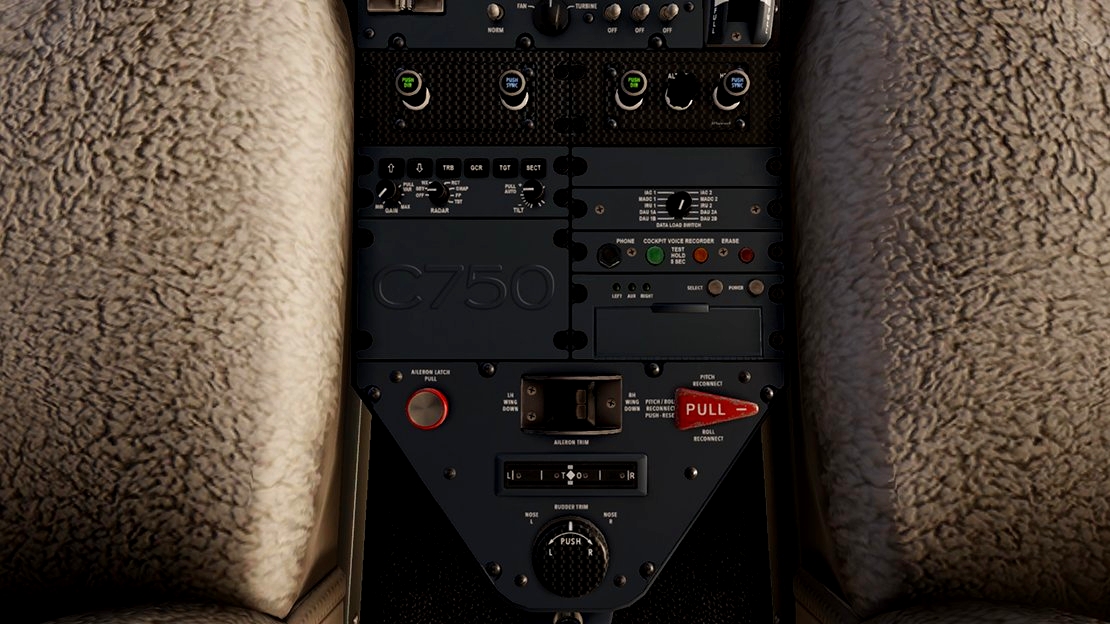
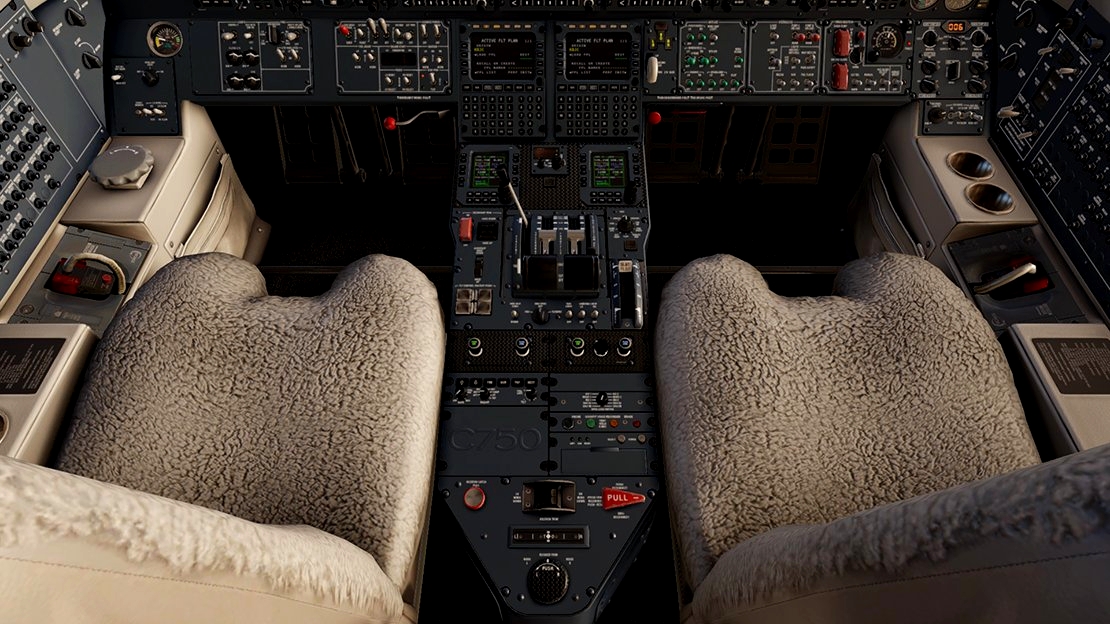
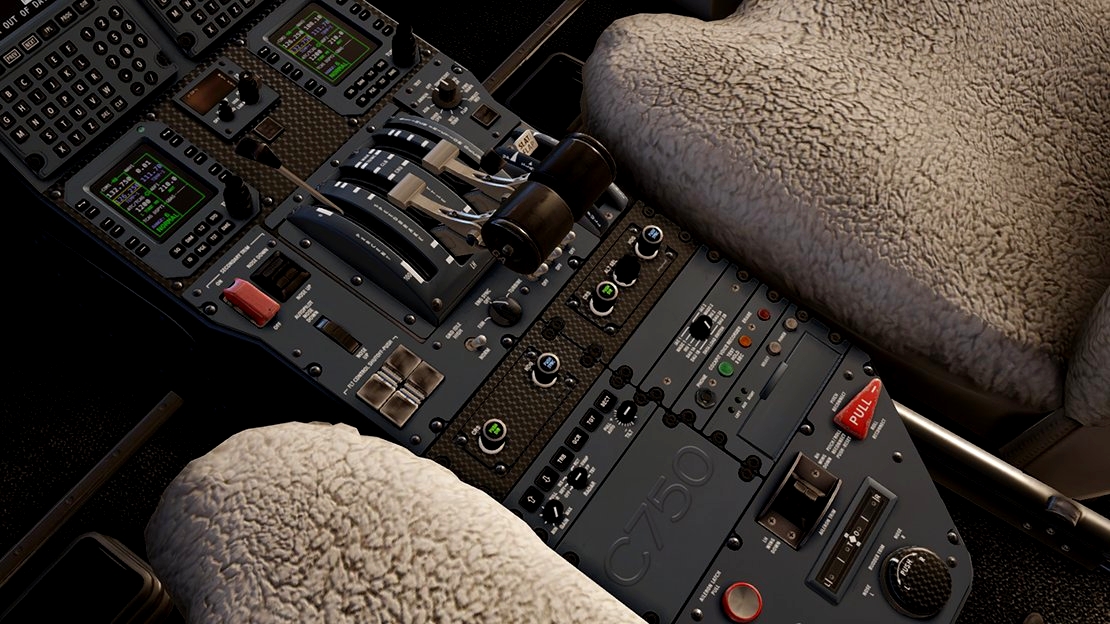
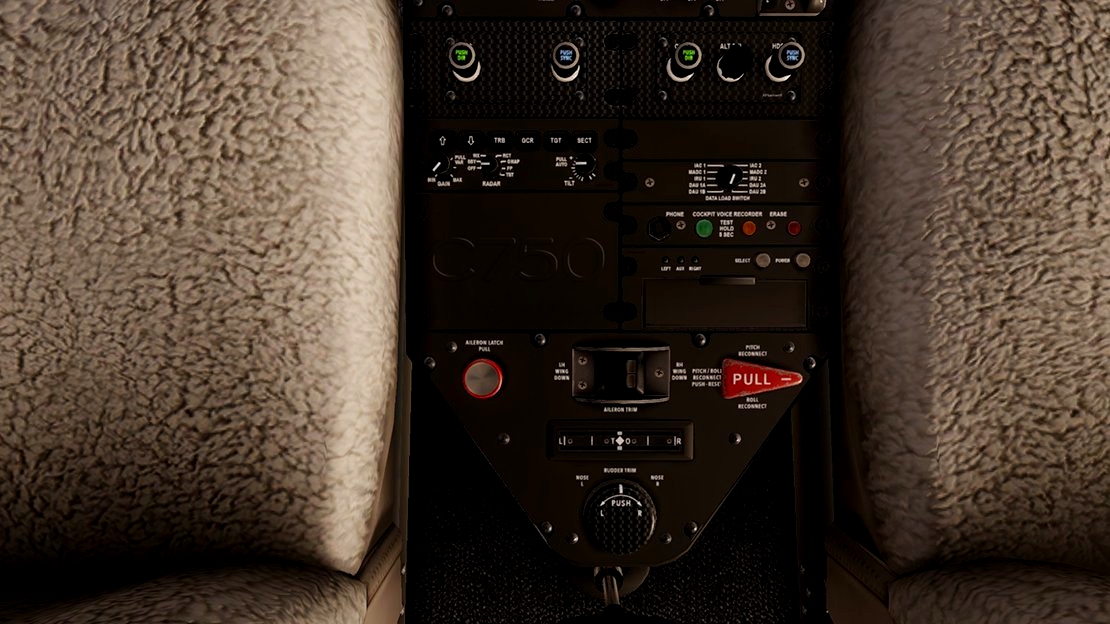
Cockpit panel folders:
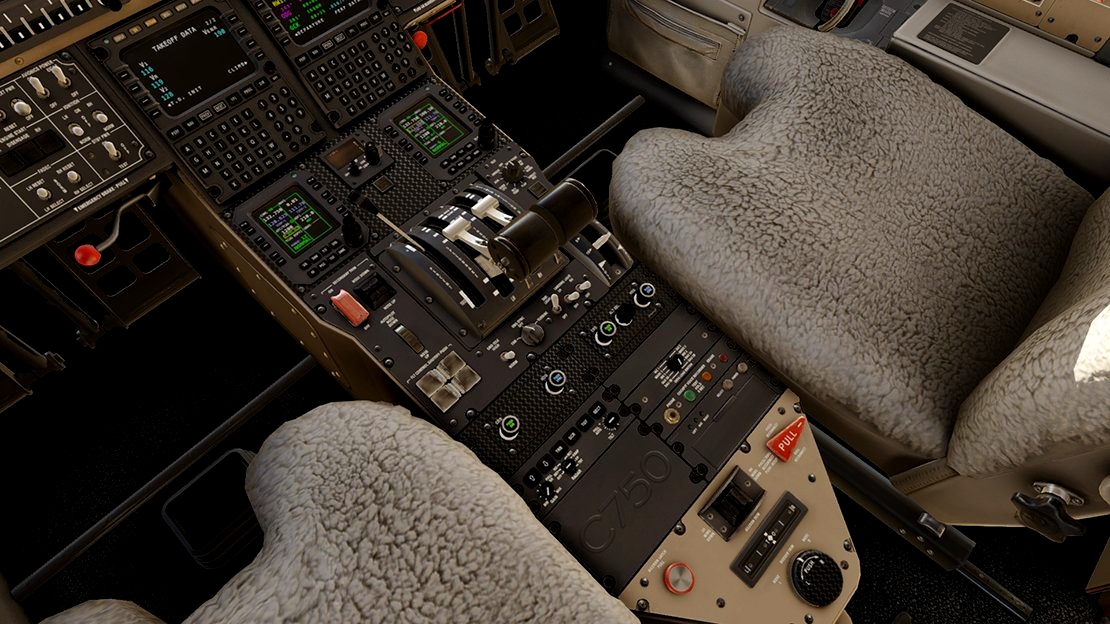
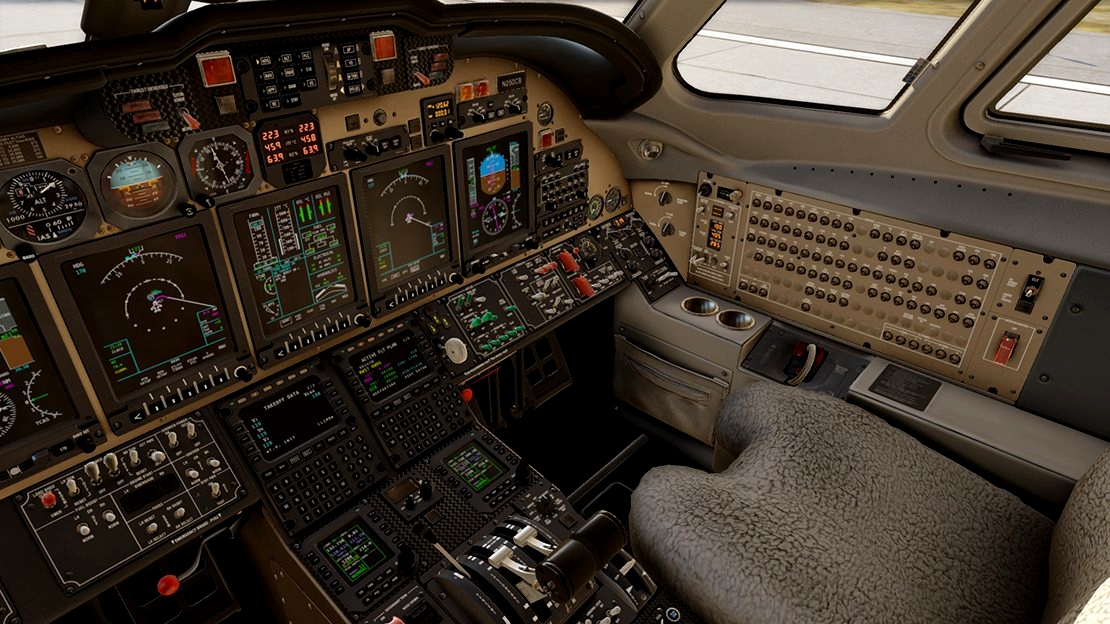
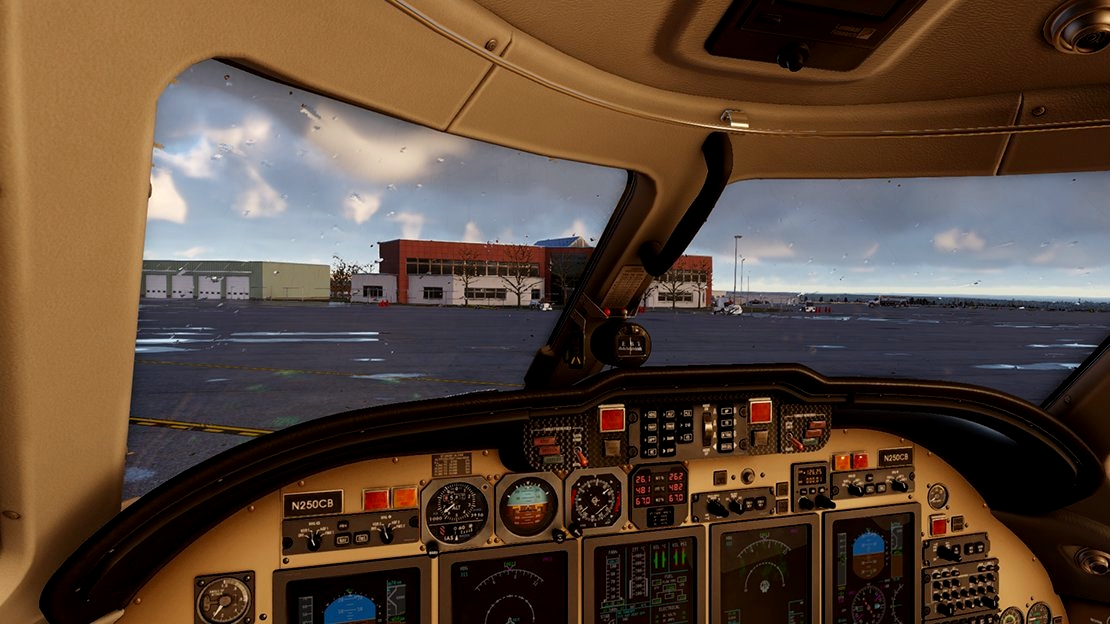
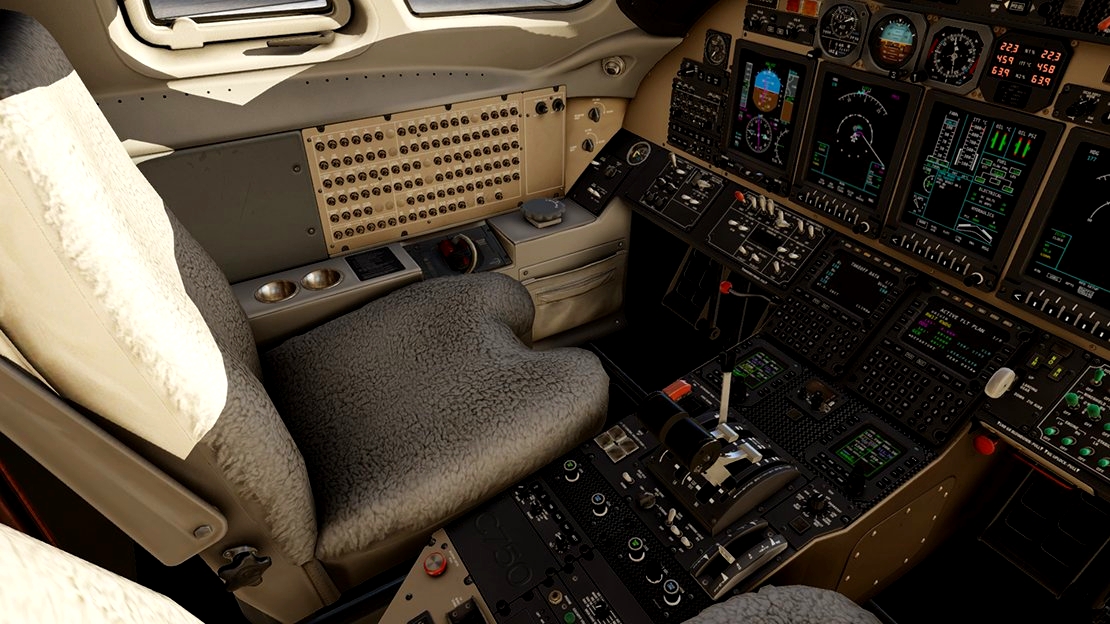
N250CB Citation X Livery pt.1 - N250CB_CP Folder * Main File
- N250CB_panel_cockpit_Blk. Black
- N250CB_panel_cockpit_PBlue. (Airbus) Pigeon Blue
- N250CB_Panel_cockpit_Carbon_BLK
- N250CB_Panel_cockpit_Carbon_PBlue
- N250CB_Panel_cockpit_Carbon_TanGrey
N571TB Citation X Livery pt.2 - N571TB_CP Folder
- N571TB_panel_cockpit_Blk. Black
- N571TB_panel_cockpit_PBlue. (Airbus) Pigeon Blue
- N571TB_Panel_cockpit_Carbon_BLK
- N571TB_Panel_cockpit_Carbon_PBlue
- N571TB_Panel_cockpit_Carbon_TanGrey
N012SM Citation X Livery pt.3 - N012SM_CP Folder
- N012SM_panel_cockpit_Blk. Black
- N012SM_panel_cockpit_PBlue. (Airbus) Pigeon Blue
- N012SM_Panel_cockpit_Carbon_BLK
- N012SM_Panel_cockpit_Carbon_PBlue
- N012SM_Panel_cockpit_Carbon_TanGrey
N242VH Citation X Livery pt.4 - N242VH_CP Folder
- N242VH_panel_cockpit_Blk. Black
- N242VH_panel_cockpit_LR. Laminar Research Grey
- N242VH_Panel_cockpit_Carbon_BLK
- N242VH_Panel_cockpit_Carbon_PBlue
- N242VH_Panel_cockpit_Carbon_TanGrey
N99TT Citation X Livery pt.5 - N99TT_CP Folder
- N99TT_panel_cockpit_Blk. Black
- N99TT_panel_cockpit_PBlue. (Airbus) Pigeon Blue
- N99TT_panel_cockpit_LR. Laminar Research Grey
- N99TT_Panel_cockpit_Carbon_BLK
- N99TT_Panel_cockpit_Carbon_PBlue
- N99TT_Panel_cockpit_Carbon_TanGrey
N750PM Citation X Livery pt.6 - N750PM_CP Folder
- N750PM_panel_cockpit_Blk. Black
- N750PM_panel_cockpit_PBlue. (Airbus) Pigeon Blue
- N750PM_Panel_cockpit_Carbon_BLK
- N750PM_Panel_cockpit_Carbon_PBlue
- N750PM_Panel_cockpit_Carbon_TanGrey
Instructions
Back up the original 'cockpit_panel.dds' file in the objects/cockpit panel folder.
Replace this file with the 'cockpit_panel.dds' file from the folder of your choosing.
If you enjoy these submissions. Donations will be greatly appreciated!
https://paypal.me/planemental?country.x=BS&locale.x=en_US
PlaneMental™
Easy!

Vær den første til at kommentere.